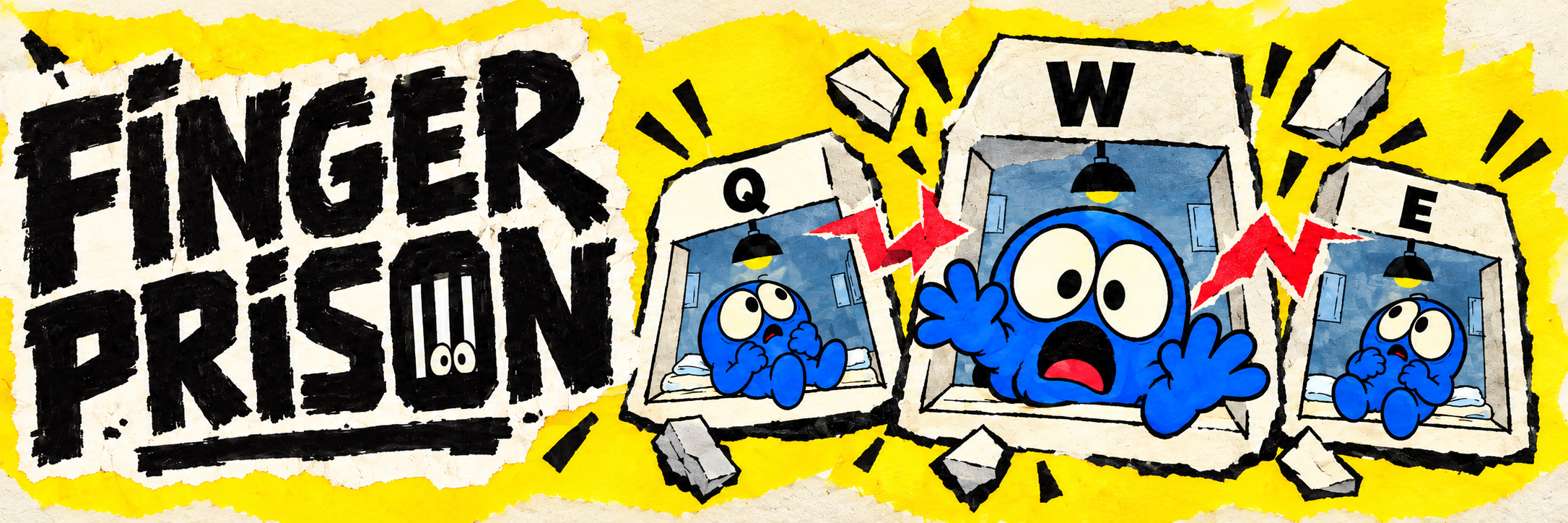
Finger Prison
A downloadable game for Windows and macOS
FREE DESKTOP INCREMENTAL · WINDOWS v0.8.3 · macOS TEST BUILD v0.8.2
Finger Prison
Windows v0.8.3 is here
Rare inmates and room drops, upgrade kits for two-item rooms, revised Poison rules, and improved desktop scaling.
Read the v0.8.3 release notes and validation status →
Join the Finger Prison Discord
Share your builds, report bugs, and chat with other players.
Your keyboard just became a prison.
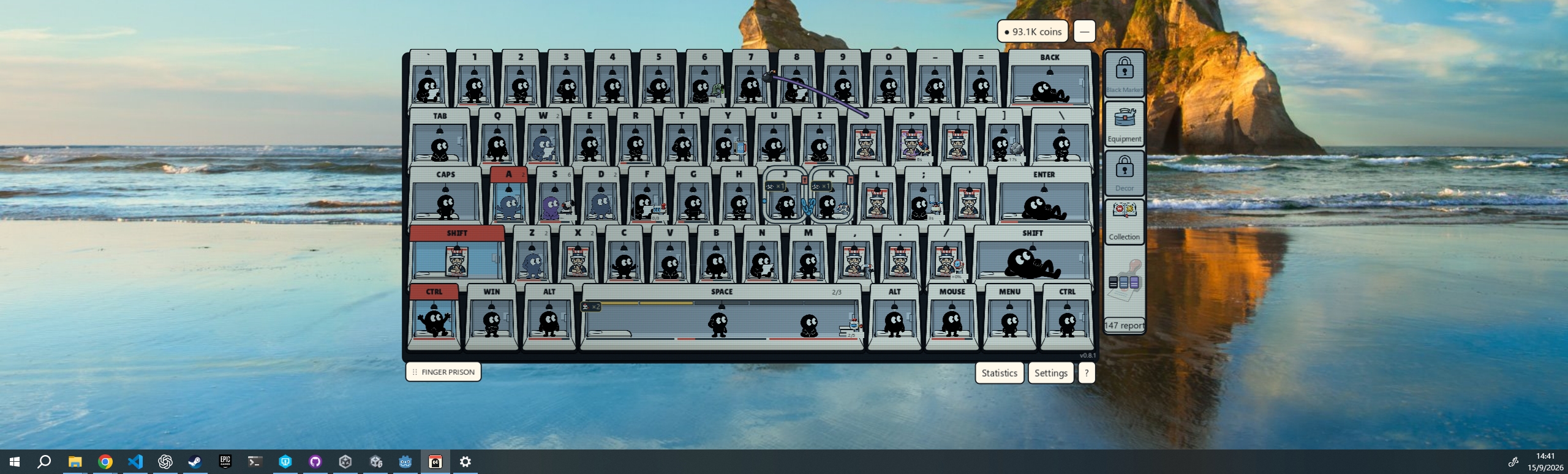
Every key is a cell. Every keystroke is another day on the job.
↓ Download for Windows or macOS
Mac players: extra setup is required before playing. See the macOS first-launch instructions below.
Windows v0.8.2: elements and equipment interactions
53 equipment effects revised, 102 items to experiment with, and unified Poison, Fire, Frost and Lightning rules. Discover new combinations, independent equipment borrowing, and clickable element explanations.
Read the full v0.8.2 update notes →
Two chests. More combinations.
Introduced in an earlier Windows update: a brand-new metal chest brings 50 new equipment items to the Black Market. Switch between the Classic and new equipment chests, collect rewards in one shared inventory, and mix old and new gear to discover more chain reactions.
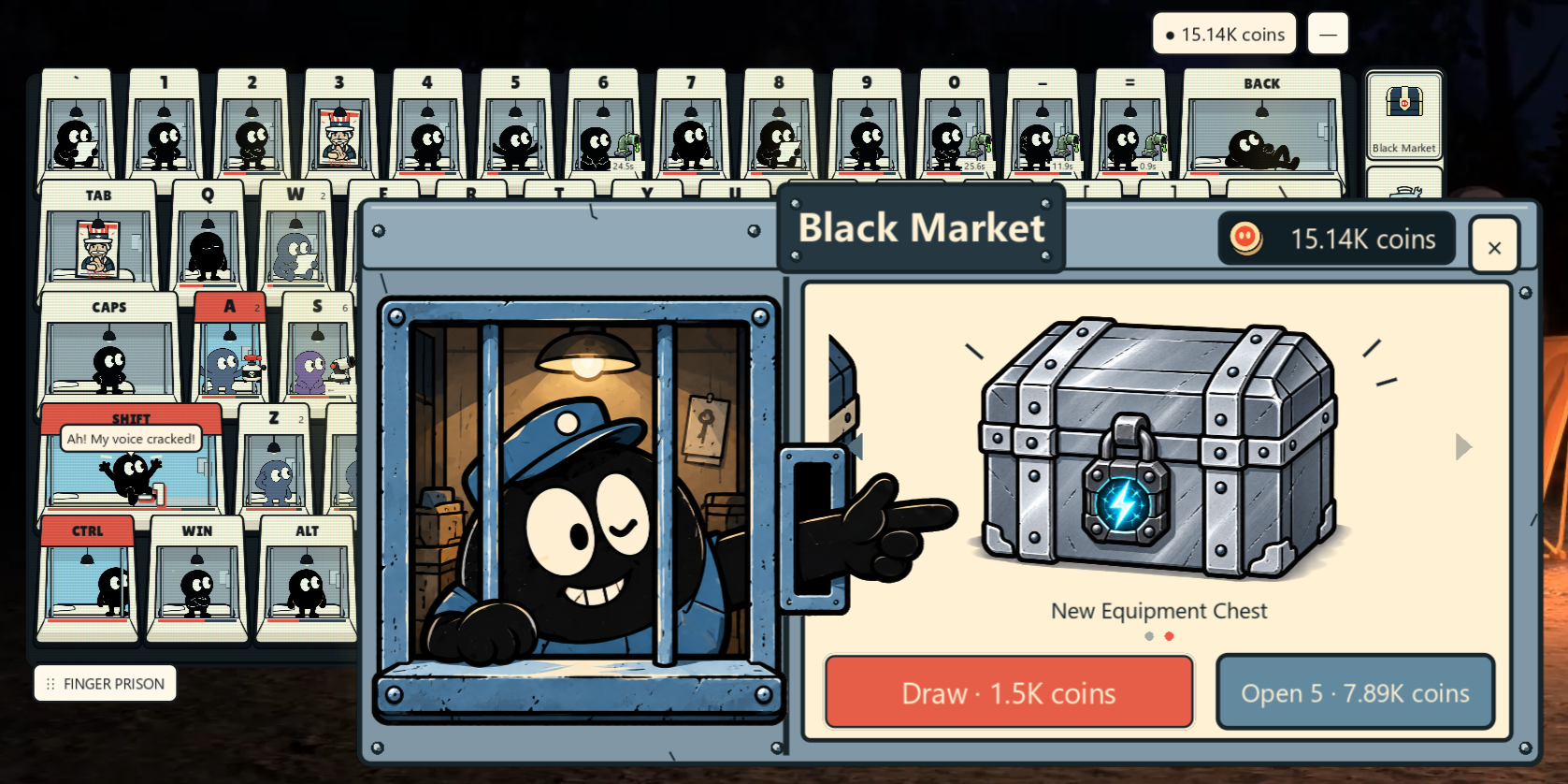
Read the update notes, including the new draw prices →
A little chaos while you type.
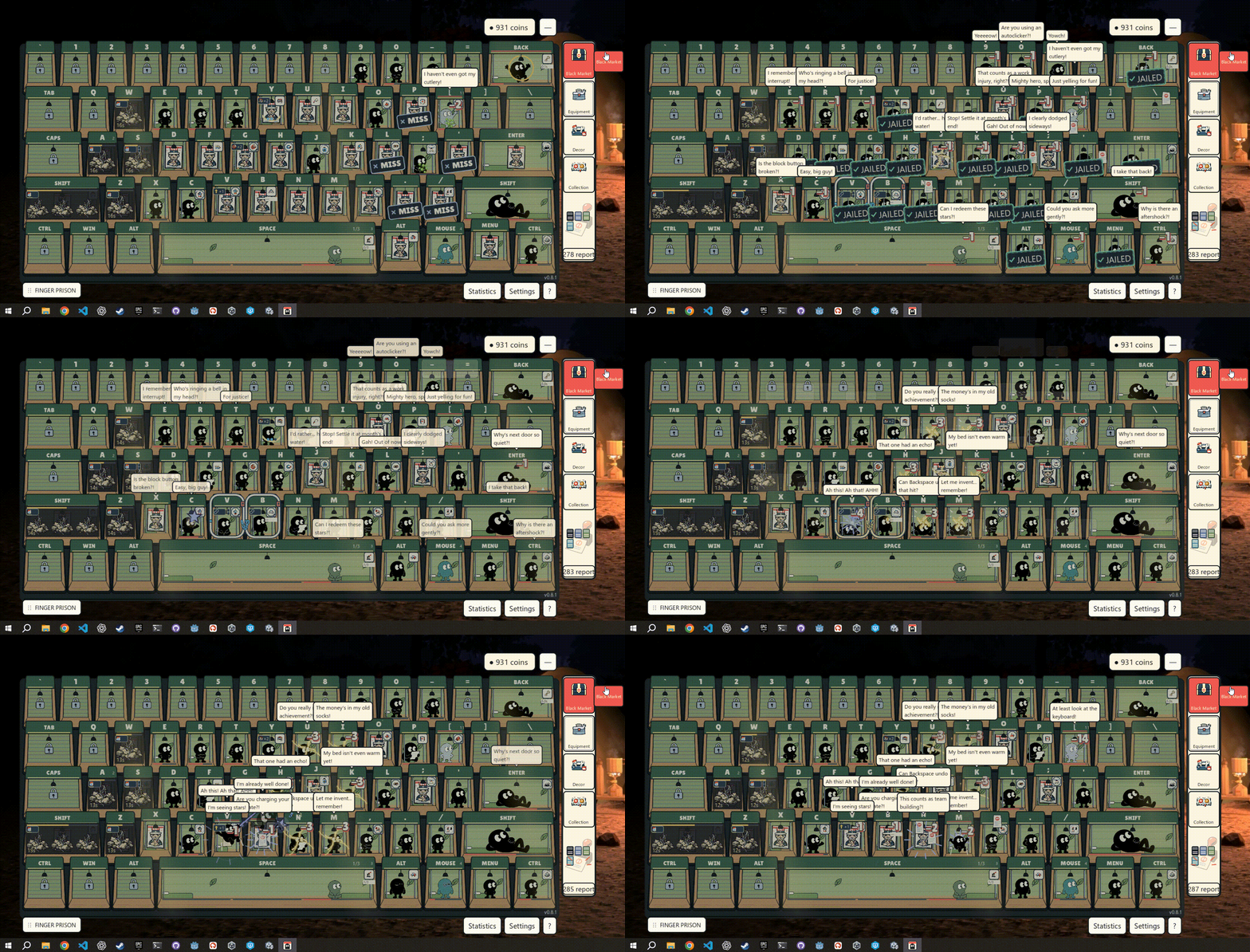
Keep Finger Prison open while you work or browse. Your real keyboard input brings a tiny, darkly comic prison to life: admit inmates, produce reports, and turn everyday typing into a growing operation.
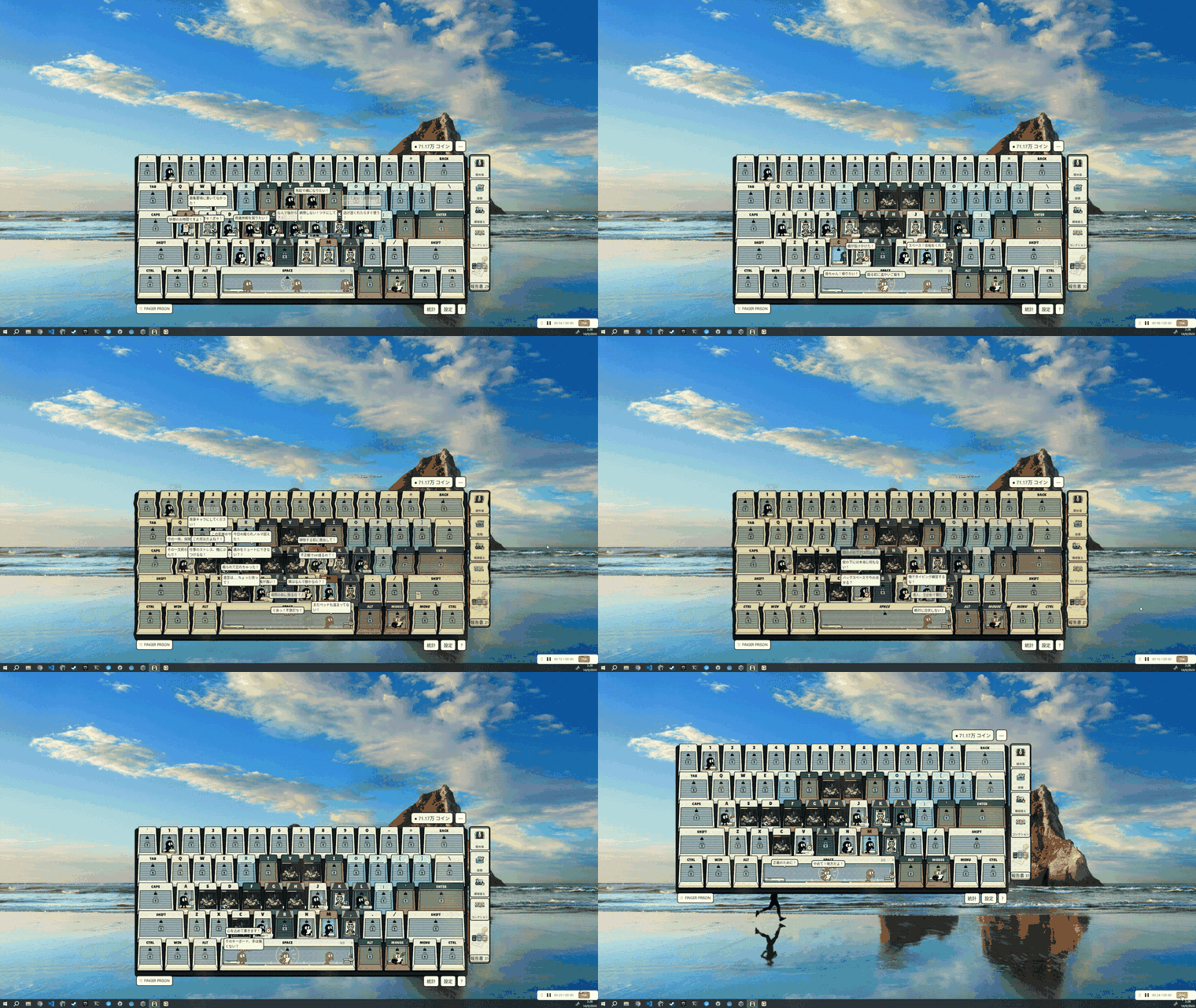
Build. Equip. Set it off.
- A prison under your fingertips. Unlock key-shaped cells, admit unusual inmates, and cash in the reports they produce.
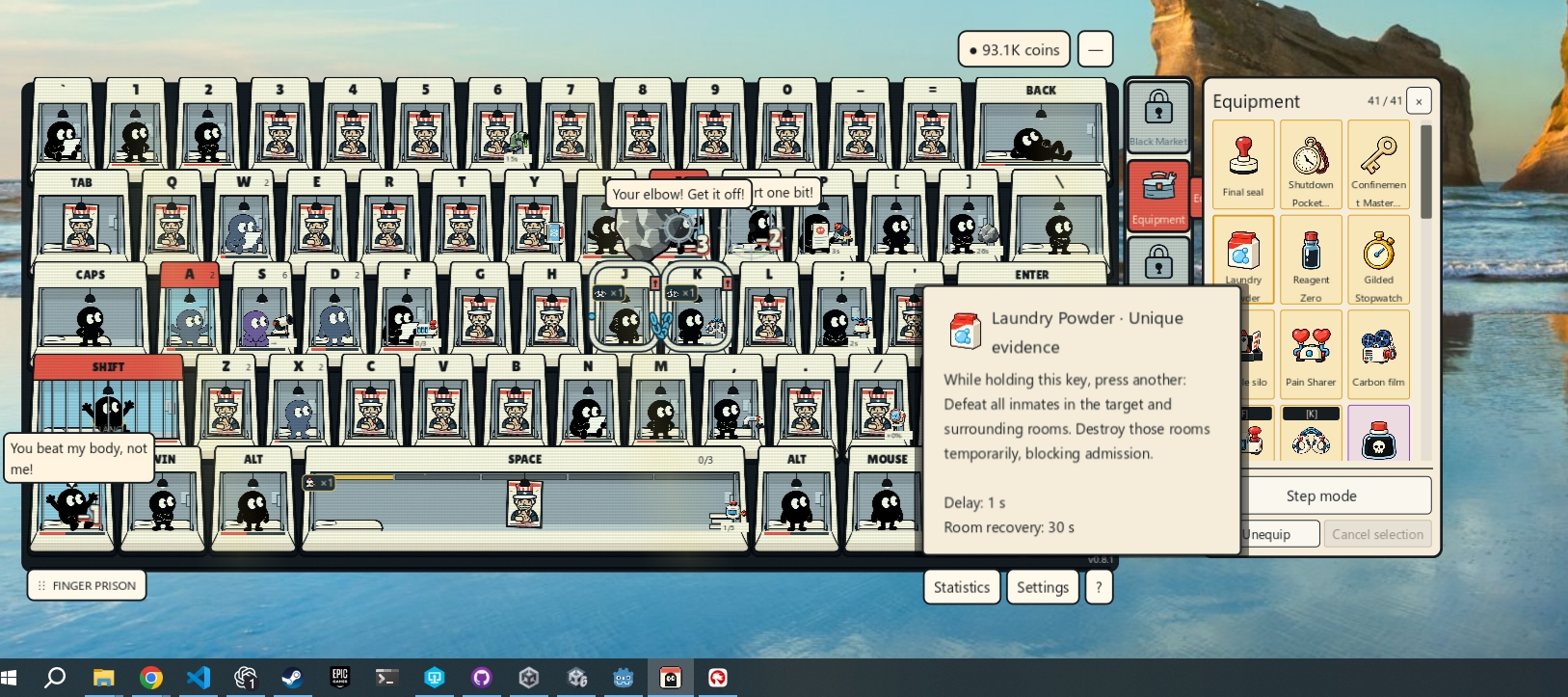
- Small gadgets, big reactions. Move equipment between rooms and experiment with automatic effects, combinations, and explosive chain reactions.
- Your own strange little operation. Upgrade rooms, unlock decorations, and fill your collection.
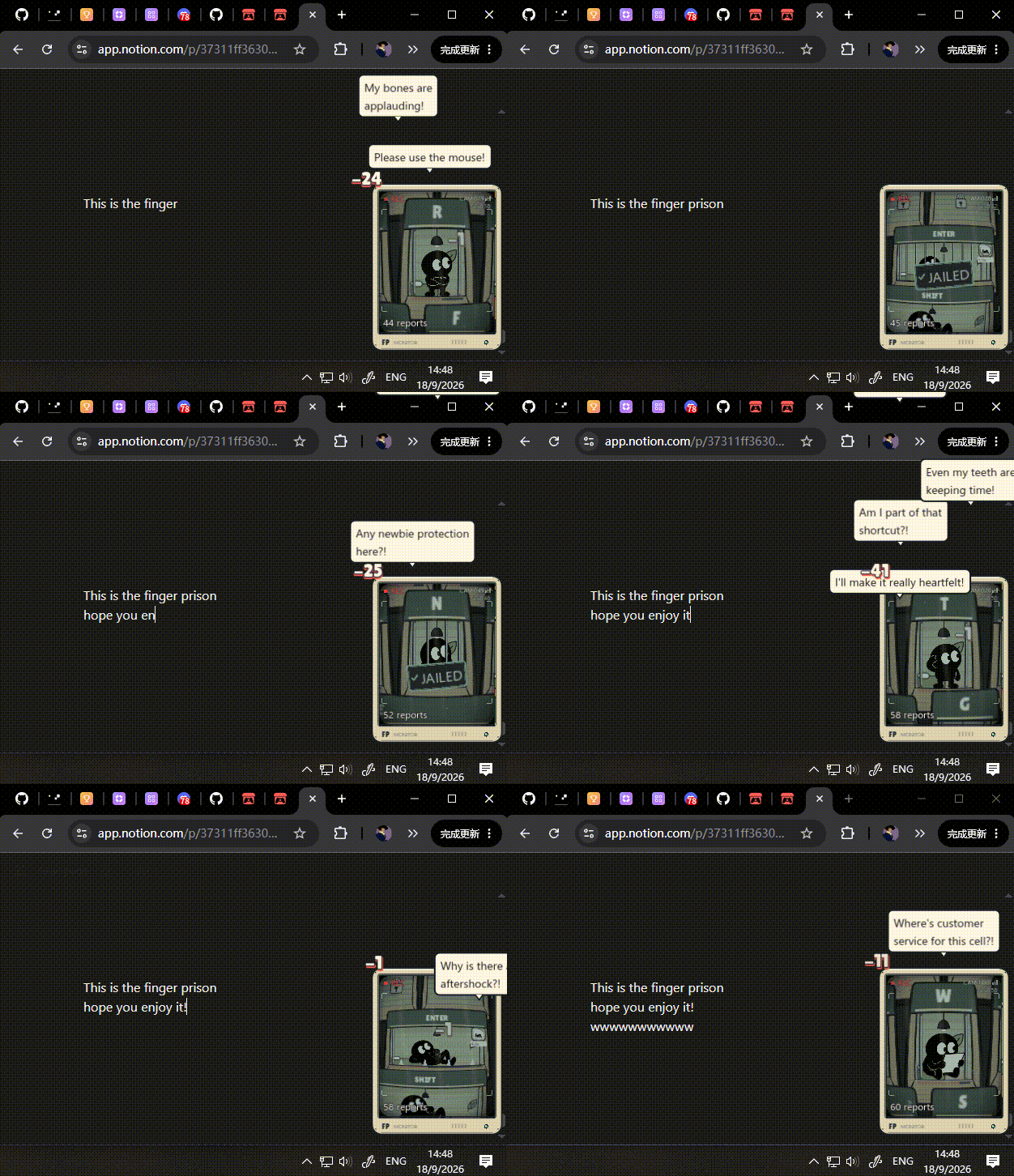
- Keep the chaos in view. Switch to a compact surveillance window that follows the action on your desktop.
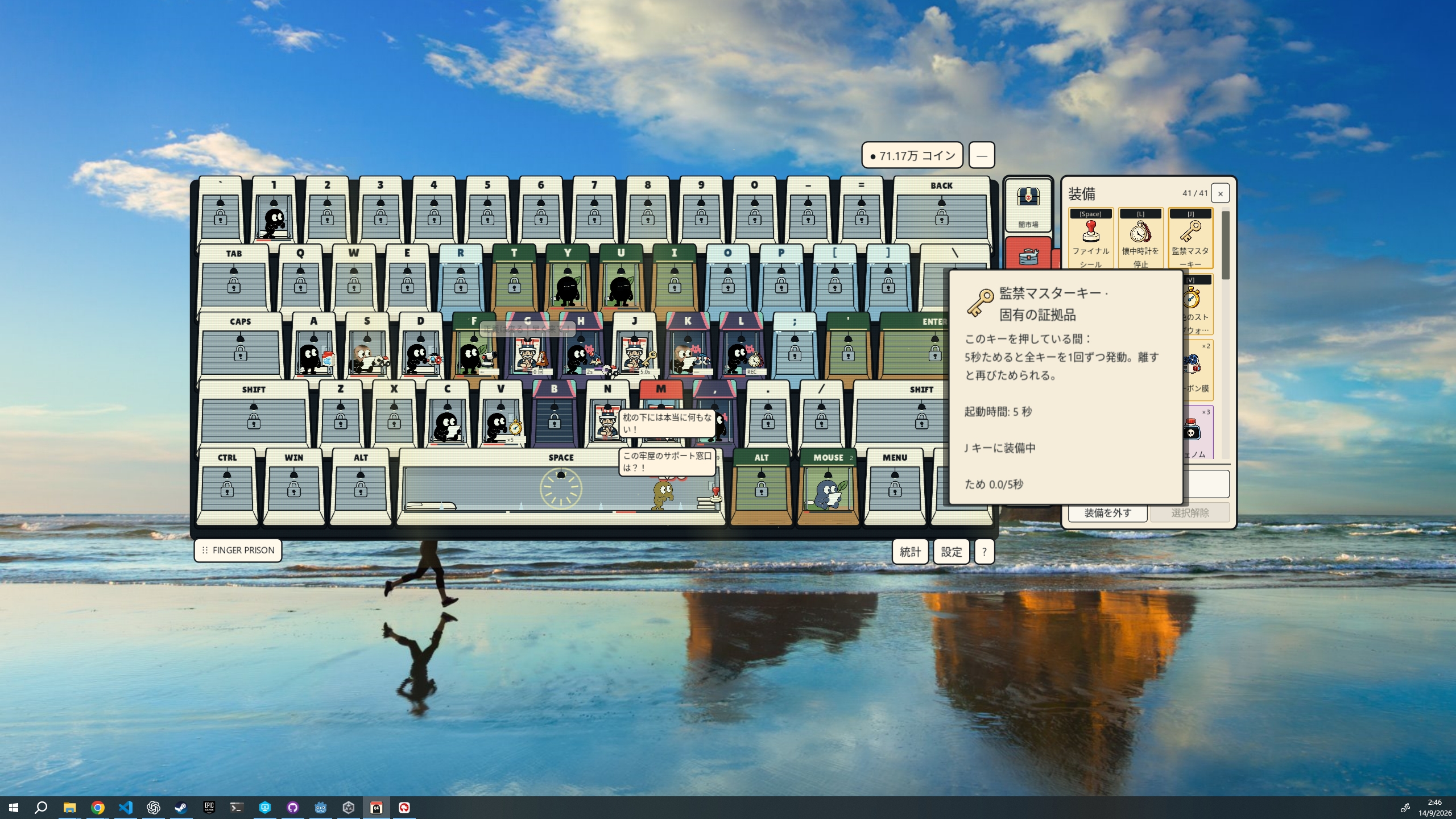
Big reactions. Small window.
Keep the compact surveillance window beside your work and watch the prison react as you type.
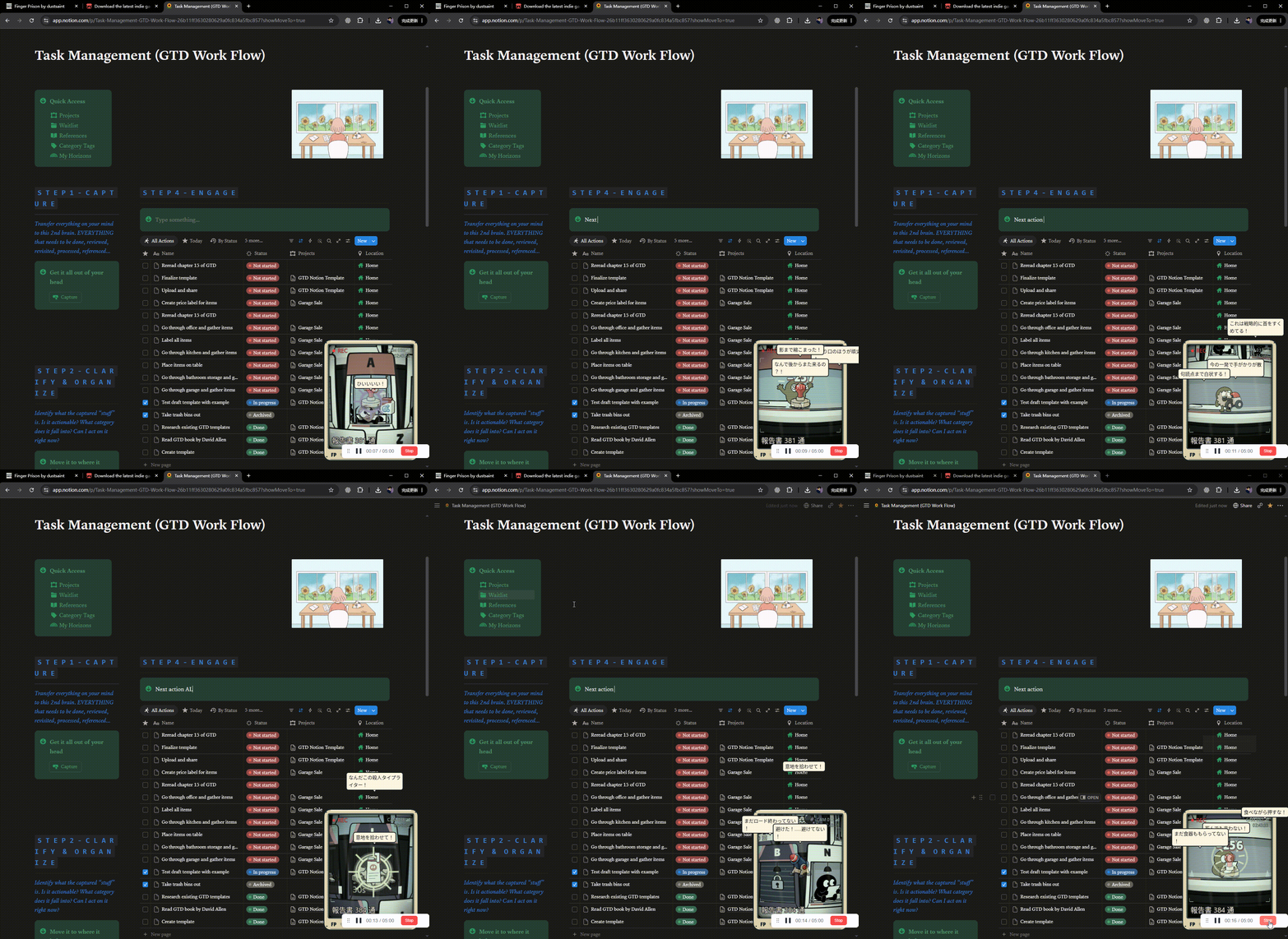
Your first shift
- Choose a language and follow the opening tutorial.
- Use your starting funds to unlock a cell.
- Press its physical key to admit an inmate. Keep typing to deal damage and produce reports.
- Sell reports, upgrade rooms, and try new equipment combinations.
Keyboard for action. Mouse for management.
Configure background input in Settings. Keep the game running to progress; there are no offline earnings.
Choose your desktop
Windows 64-bit · Free · In development
Extract the entire ZIP and launch StartGame.exe. Keep all included files together. No Godot editor is required.
macOS: first-launch setup required
Mac test build · Apple Silicon + Intel · Free
This build uses a local ad-hoc signature and is not signed with an Apple Developer ID or notarized by Apple. macOS may show a warning that Apple cannot verify FingerPrison for malicious software and block the first launch.
- Install: Extract FingerPrison-v0.8.1-macOS-20260916-000646.zip, move FingerPrison.app to Applications, and try opening it once.
- If macOS blocks it: Click Done to close the warning. If you downloaded the game from this itch.io page and trust it, open System Settings → Privacy & Security, scroll to the Security section, and click Open Anyway beside the FingerPrison notice. Confirm with Open and authenticate if asked.
- Allow background input: Enable Finger Prison / FingerPrisonInput in System Settings → Privacy & Security → Input Monitoring. This permission lets the game respond to keyboard and mouse input while you use other apps.
- Restart the game: Fully quit and reopen FingerPrison after granting permission.
Apple’s guide to opening apps with this warning. Full Mac hardware testing is still pending. Read the Mac test-build notes and known limitations.
Eight languages
English · Simplified Chinese · German · Japanese · Korean · French · Spanish · Portuguese
Cartoon violence and dark humor. Made with generative AI assistance in artwork, code, and text. Cover and banner are promotional illustrations; the GIFs above are actual gameplay recordings.
Download
Install instructions
Windows: Extract the entire ZIP, then double-click StartGame.exe. Keep the game folder and all included helper files together. No Godot editor is required. Choose your language at first launch. To save and close, use Settings → Exit Game.
macOS: first-launch setup required
Mac test build · Apple Silicon + Intel · Free
This build uses a local ad-hoc signature and is not signed with an Apple Developer ID or notarized by Apple. macOS may show a warning that Apple cannot verify FingerPrison for malicious software and block the first launch.
- Install: Extract FingerPrison-v0.8.1-macOS-20260916-000646.zip, move FingerPrison.app to Applications, and try opening it once.
- If macOS blocks it: Click Done to close the warning. If you downloaded the game from this itch.io page and trust it, open System Settings → Privacy & Security, scroll to the Security section, and click Open Anyway beside the FingerPrison notice. Confirm with Open and authenticate if asked.
- Allow background input: Enable Finger Prison / FingerPrisonInput in System Settings → Privacy & Security → Input Monitoring. This permission lets the game respond to keyboard and mouse input while you use other apps.
- Restart the game: Fully quit and reopen FingerPrison after granting permission.
Apple’s guide to opening apps with this warning. Full Mac hardware testing is still pending. Read the Mac test-build notes and known limitations.
Development log
- v0.8.3: rare inmates, room upgrade kits, and desktop scaling1 day ago
- Poison travels with your effects — plus clearer Buff counts and cleaner panels3 days ago
- v0.8.2 update: equipment timing, Frost, and room management3 days ago
- v0.8.2: 53 equipment changes and a unified element system3 days ago
- Windows maintenance build: launch, saves, and shortcuts checked4 days ago
- Shuffle your setup, track production, and launch inmate missiles4 days ago
- Move gear directly between rooms and explore equipment details4 days ago
- Sign here, Warden: a fresh paperwork UI and clearer misses4 days ago
Comments
Log in with itch.io to leave a comment.
it's very nice for updating .
Incredible Game!!!!
I Love it!!!!
Plz give me the multiplayer mode!!!